Designer e creatori di screenshot per App Store da seguire (2026)
App Store screenshot design has become its own tiny corner of social media. The best accounts are not always traditional design influencers. They are ASO studios, screenshot teardown accounts, gallery curators, and tool makers who spend all day looking at one thing: the first few images that decide whether someone installs an app.
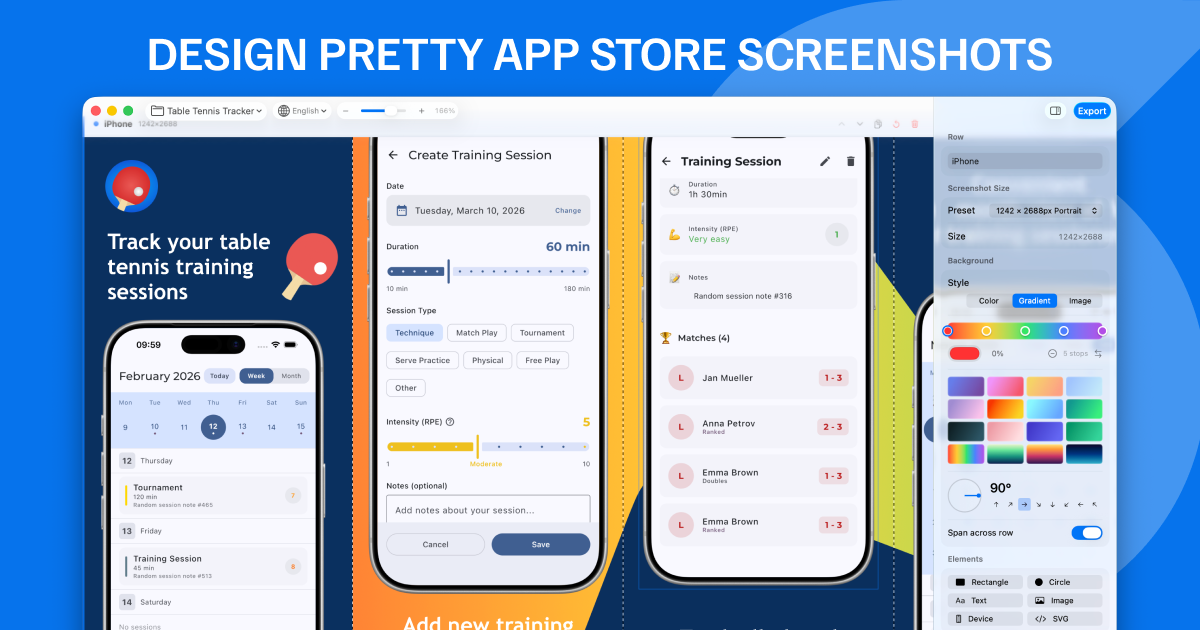
That makes them useful if you use Screenshot Bro. You can gather references from these creators, decide on the message and visual system, then build the real screenshot set in Screenshot Bro with device frames, localized text, batch exports, and App Store Connect upload. The inspiration lives on social media. The repeatable production work should live in your screenshot project.
Quick Follow List
| Creator or resource | Best for | Where to look |
|---|---|---|
| The Screenshot First Company | Screenshot redesigns, teardown thinking, strong visual hooks | X, LinkedIn |
| AppScreens | ASO production patterns, templates, localization, exports | X, blog |
| AppLaunchpad Inspiration | Fast layout scanning across thousands of screenshot examples | inspiration gallery |
| AppShot Gallery | Real App Store screenshot references by category | gallery, X |
| Asoinspo | Screenshots, paywalls, onboarding flows, category research | gallery |
| AppTweak and Storemaven | Creative research, testing, and ASO strategy context | AppTweak, Storemaven |
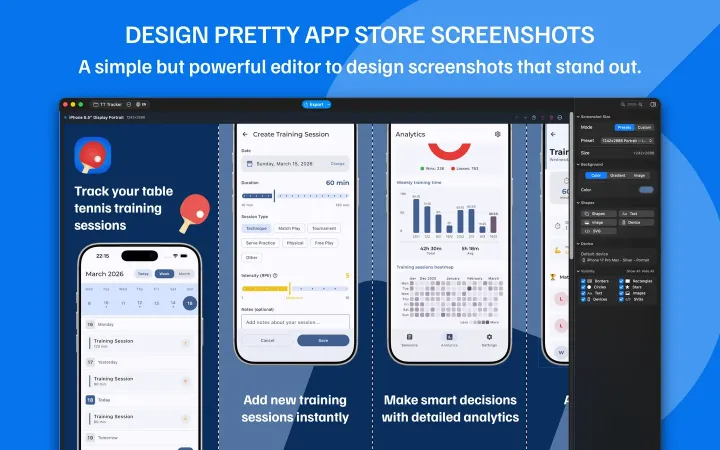
Start with a clear first-frame hook.
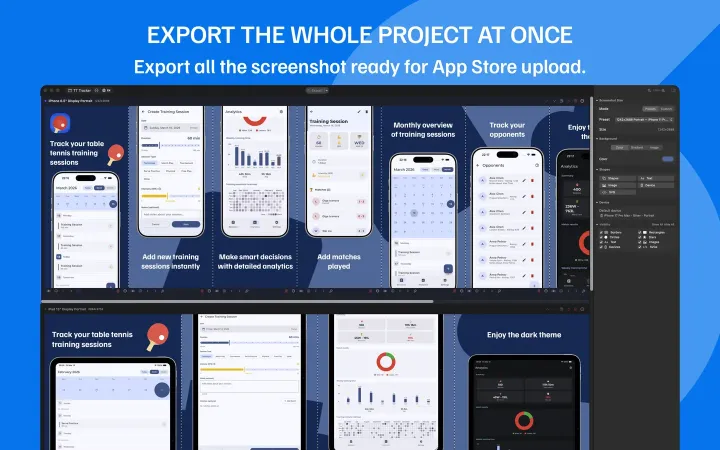
Keep the visual system consistent.
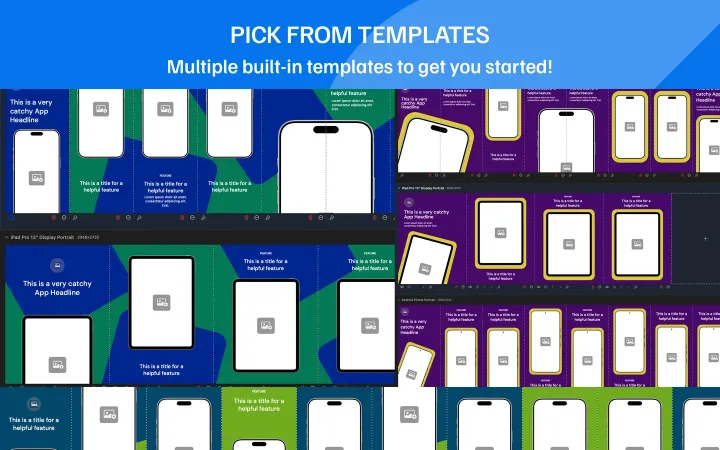
Build a set you can update later.
1. The Screenshot First Company
If you only follow one account in this niche, start with The Screenshot First Company. They publish the kind of feedback indie developers rarely get: which screenshot should lead, where the hook is buried, why a visual style feels inconsistent, and how to make the first frame feel more immediate.
Their public profiles are very specifically about app store screenshots. The LinkedIn company page lists specialties including screenshots, app store screenshots, marketing design, and app store. Their X account is even more direct: it is built around App Store screenshot critique, before-and-after work, and comments on live app listings.
Use them for the strategic question before you open any design tool: what is the emotional hook of this app? Screenshot Bro can help you execute the frame, caption, background, device, and export. This account is useful for deciding what the screenshot should be about in the first place.
2. AppScreens
AppScreens is useful because their content lives close to the production problem: one screenshot idea needs to become every store size, every device, and every language. Their public X profile describes the product as helping developers create professional iOS and Android app store screenshots for every device, store, and language.
Their longer ASO writing is also worth reading. The AppScreens screenshot optimization playbook frames the first screenshots around three questions: what does the app do, why should users believe it, and why install now. That is a good filter for Screenshot Bro projects too. If a template does not answer those questions, polishing the gradient will not fix the set.
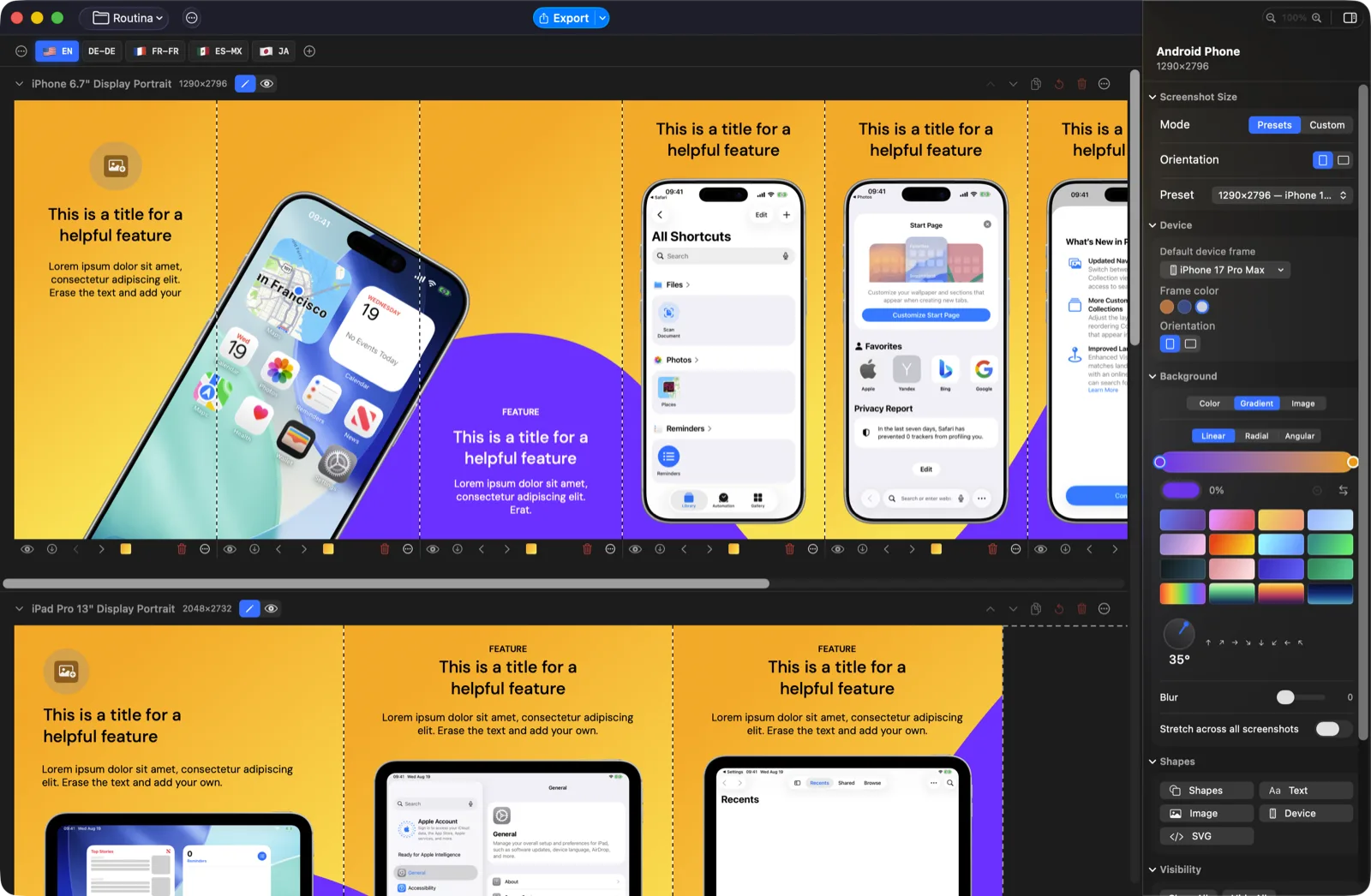
The practical workflow is simple: borrow the checklist, then build locally. In Screenshot Bro, create rows for your target devices, drop in real app screenshots, write one benefit-led caption per frame, and keep the same structure available for future releases.
3. AppLaunchpad Inspiration
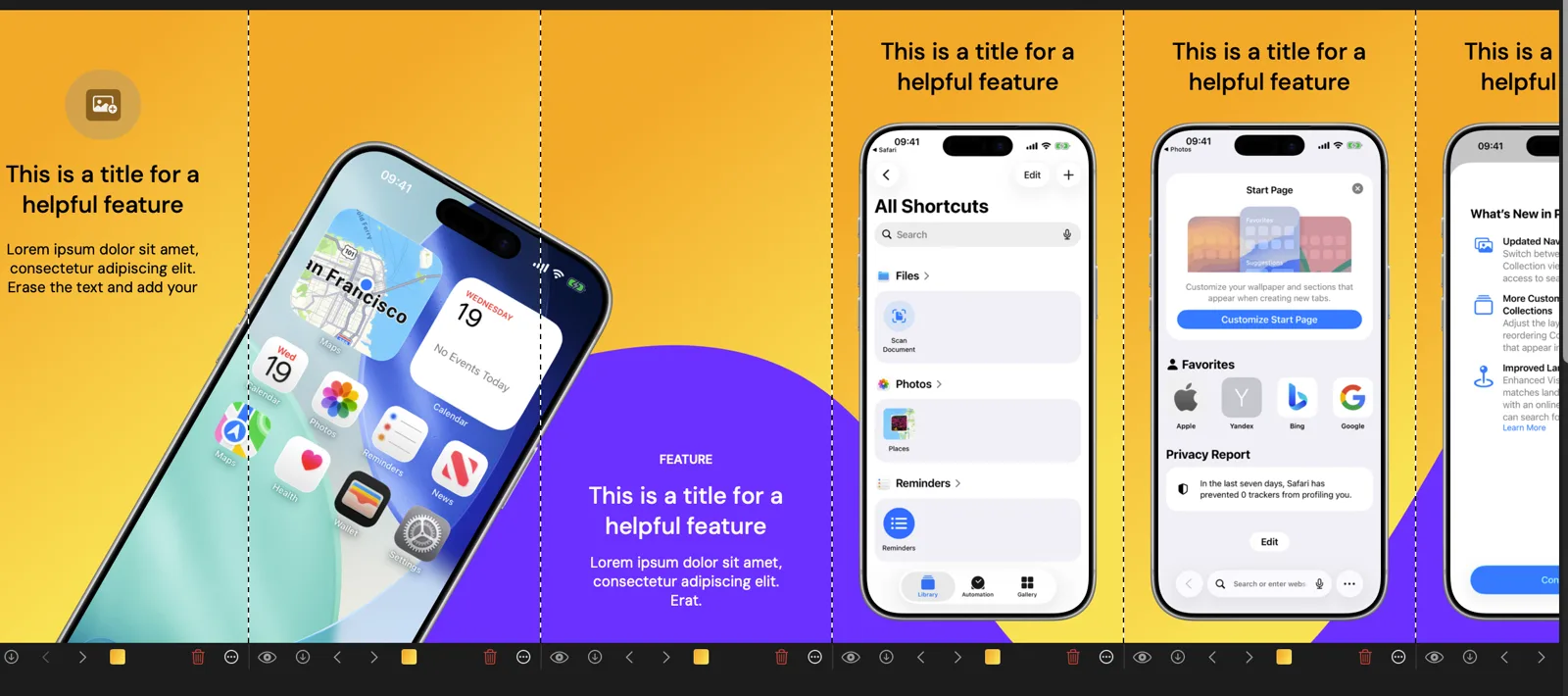
AppLaunchpad's inspiration gallery is a fast way to get unstuck when every screenshot in your Figma file starts looking the same. The page says it includes 4,000+ App Store screenshot inspirations, which makes it useful for scanning patterns rather than admiring one perfect case study.
Do not copy a layout blindly. Look for reusable structure: large headline above device, UI zoom with floating callouts, panoramic backgrounds, testimonial-led first frame, feature comparison, or a photo plus UI hybrid. Then recreate the structure in Screenshot Bro with your own screenshots, brand colors, and captions.
4. AppShot Gallery
AppShot Gallery is useful because it curates real App Store screenshots by category. The site positions itself for developers, designers, and indie makers looking to improve ASO and app design, and its category browsing makes it easy to compare how different verticals sell value.
This is especially relevant for Screenshot Bro because a screenshot set should fit its category. A finance app usually needs trust, clarity, and restrained hierarchy. A fitness app can use more human energy and progress cues. A creative app can sell output quality. Use the gallery to understand the category language, then build a repeatable version that still feels like your product.
5. Asoinspo
Asoinspo is broader than App Store screenshots alone: it also covers paywalls and onboarding UX patterns. That is useful because screenshot design should not be disconnected from the product experience. The promise in the store should match what users see after install.
When using Asoinspo, pay attention to the sequence. Many strong listings use screenshots as a compressed onboarding flow: outcome, proof, how it works, key feature, social proof, and secondary features. Screenshot Bro's multi-template workflow is a good fit for that because you can keep the full story in one project and update it when the app changes.
6. AppTweak and Storemaven
AppTweak and Storemaven are not screenshot design accounts in the same visual sense, but they are useful follows if you care about why screenshots work. AppTweak's Creative Explorer is built around creative research, including screenshots, icons, feature graphics, and A/B tests. Storemaven's screenshot guide is a useful reminder that visitors make fast decisions from the first impression.
These resources help you avoid designing in a vacuum. In Screenshot Bro, that means treating every exported set as a testable asset. Make a variant with a different first frame. Try a clearer headline. Create a localized set for a priority market. Keep the project editable so you can react to results instead of rebuilding the whole thing later.
How to Use This Follow List With Screenshot Bro
- Pick 10-15 references from accounts and galleries that match your app category.
- Write the first three screenshot messages before touching visuals: outcome, proof, and core workflow.
- Build one Screenshot Bro project with rows for iPhone, iPad, Mac, Android phone, or Android tablet as needed.
- Use consistent device frames, backgrounds, headline position, and spacing across the full set.
- Add locales only after the English story works. Translate the captions, then adjust per-locale text positions where needed.
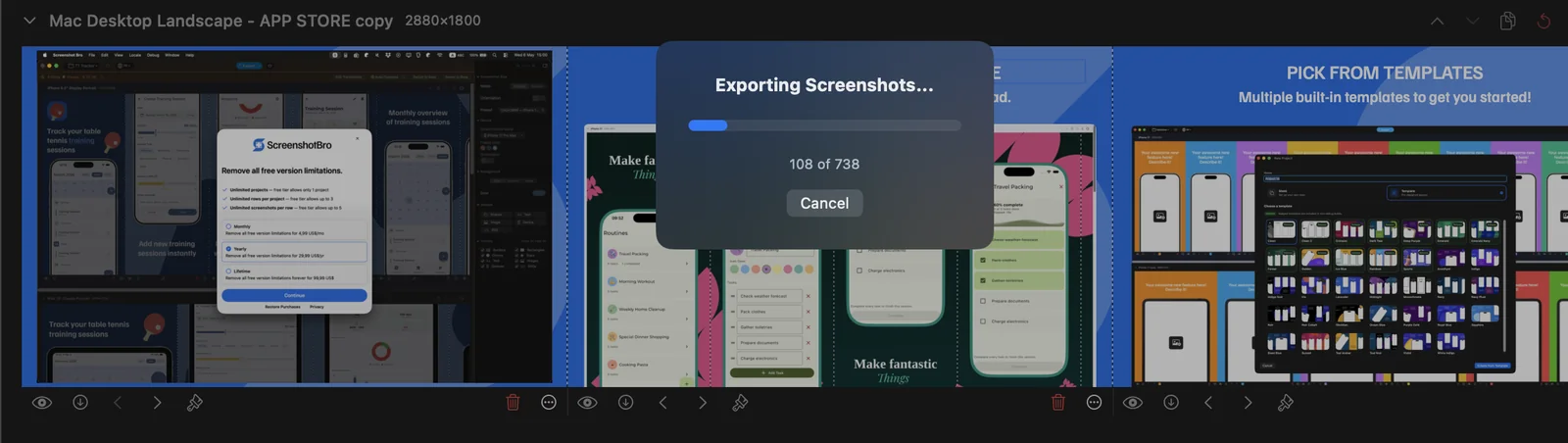
- Batch export the complete set, or upload directly to App Store Connect when the project is ready.
What Not to Copy
Inspiration gets dangerous when you copy surface style without the underlying reason. A dating app with expressive photos, a finance app with dense trust signals, and a meditation app with calm whitespace are solving different problems. The goal is not to make your app look like a popular listing. The goal is to make your first screenshots communicate your value faster.
Before shipping, check three things: can someone understand the first screenshot in two seconds, does every frame show real product value, and can you update the same design system next month? If the answer is yes, you have something Screenshot Bro is built for: a screenshot system, not a one-off graphic.